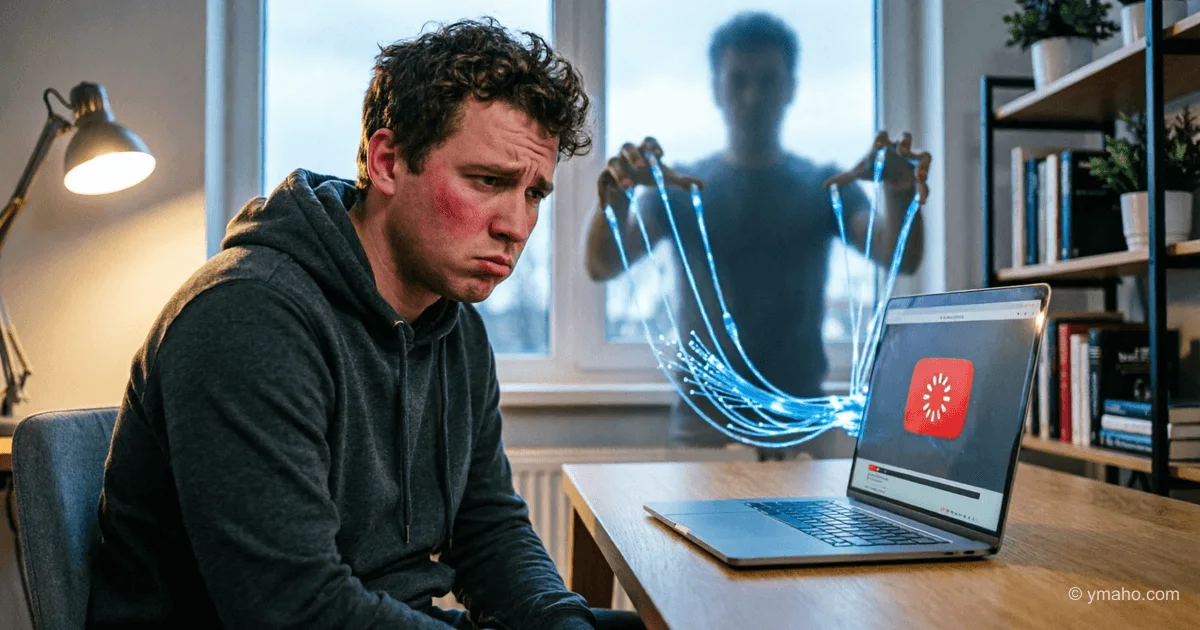
Why YouTube Is Not Working in Russia Today: Latest News
Niche: News & Current Events Content Type: Topic Explanation Why It Matters: Widespread user anxiety during outages requires explanation of causes and workable workarounds.
The Bottom Line: What You Need to Know First
YouTube in Russia is not "blocked" in the classic sense, but since summer 2024, users have faced severe service degradation. Officials call it "slowing down," while tech experts describe it as forced traffic throttling at the backbone provider level. The key point is that the state has not added YouTube to Roskomnadzor's register of banned sites, but equipment installed on telecom networks under the "sovereign internet" law deliberately limits the speed of video downloads from Google's servers.
The main thing to understand: the problem is not on your end. Your computer, phone, router, and data plan are working fine. The restriction is applied centrally to traffic flowing from YouTube's servers to Russian users. That's why some videos load in 1080p while others won't even open at 360p — it depends on which Google server hosts the specific video and how traffic is routed.
As of May 2025, the situation is uneven. Users of different ISPs have different experiences. Mobile operators offer slightly more stable access over LTE than home broadband networks. This is due to differences in network architecture and DPI (Deep Packet Inspection) settings — the technology that implements the "slowdown."
YouTube barely works on smart TVs and set-top boxes with the official app — that's the worst case. The web version on a computer sometimes loads, but video buffering is erratic. The mobile app on iOS and Android may work over mobile data, but stability is not guaranteed.
Explanation: Technical and Political Aspects
How the Slowdown Is Implemented Technically
Russian ISPs are required to install equipment provided by Roskomnadzor under the "sovereign internet" law on their networks. This equipment consists of DPI systems capable of analyzing traffic in real time, identifying protocols, and applying predefined policies. For YouTube, the policy is: not to block completely, but to throttle bandwidth for domains like googlevideo.com, ytimg.com, and other Google content delivery servers.
The result: your browser or app tries to load a video, sends a request to a Google server, the DPI system sees this request, recognizes it as YouTube traffic, and forcibly reduces the speed to 128-256 Kbps. At that speed, a video stream above 144p simply cannot load, the player constantly buffers, and eventually throws an error.
An important nuance: the slowdown is applied selectively. Cached page versions, thumbnails, comments, and text information may load normally. The problem is specifically with the video stream. This explains the phenomenon where the YouTube homepage opens, but videos don't.
Political Context: Why This Is Happening
The official position of Russian authorities: YouTube violates Russian law by not removing prohibited content, blocking channels of Russian state media, and "spreading fakes." In response, "technical measures" are applied, leading to the slowdown. A full block is avoided for now because tens of millions of citizens use the service, and there is no full-fledged alternative.
Meanwhile, Google has stopped supporting business operations in Russia, including monetization for Russian creators via AdSense. Russian bloggers no longer receive direct ad revenue in dollars, and YouTube has transformed from a Russian legal entity into a foreign service without representation — exacerbating the situation.
Why the Problem Is Intermittent: Works Today, Gone Tomorrow
DPI systems are software-hardware complexes maintained by humans. The intensity of filtering can change depending on equipment load, updates to traffic recognition signatures, and administrative directives. Additionally, Google constantly changes the IP addresses of its CDN servers and delivery protocols (switching to QUIC instead of TCP), which can temporarily bypass filters until DPI systems receive updated signatures.
That's why you might notice YouTube "suddenly working" on Tuesday evening, only to stop again by Wednesday morning. It's not your ISP playing with settings; it's Google and Roskomnadzor exchanging technical moves. No long-term improvement is expected.
Practical Tips: How to Access YouTube Now
Method 1: VPN with Traffic Obfuscation
A regular VPN may not help or may work unstably because DPI recognizes VPN protocols (OpenVPN, WireGuard) and throttles them too. You need a service that supports obfuscation — masking VPN traffic as regular HTTPS. Such traffic looks like website visits and is not automatically blocked.
In practice: install a VPN app, enable "Obfuscation," "Stealth VPN," "Shadowsocks," or "XOR masking" in settings. Then choose a server outside Russia and open YouTube. Video quality should restore to 1080p and above because traffic goes through an encrypted tunnel that DPI does not recognize as YouTube.
Method 2: Encrypted Proxy Server
If you don't want to deal with a VPN, you can set up a proxy directly in your browser. Shadowsocks and VLESS protocols provide traffic encryption and pass DPI better than classic unencrypted SOCKS5. Renting a personal proxy costs from $3 to $10 per month depending on location and bandwidth.
Method 3: Alternative Frontends
There are web interfaces that load YouTube videos onto their own servers and then deliver a "clean" video stream to you. Examples: Invidious, Piped, ViewTube. You open such a site, paste the video link, and it plays through the intermediary. Pros: nothing to install except a browser. Cons: these services are unstable, often overloaded, and may be blocked by Roskomnadzor when detected.
Method 4: Download Videos for Offline Viewing
If you need to watch a specific video rather than browse the platform, it's smarter to download it via a Telegram bot. Here's how: copy the YouTube video link, send it to a bot (@SaveBot, @ytaudiobot), and within a minute you get the video file saved to your phone. The bot downloads the video to Telegram's servers, which are located outside Russia and are not subject to DPI throttling. You can choose quality up to 4K, and the file is stored in the cloud and accessible offline.
Common Mistakes and How to Avoid Them
Mistake 1: Switching ISPs Hoping Another One Has Working YouTube
All major ISPs have standard Roskomnadzor equipment installed, and the throttling policy is uniform. Switching ISPs will only provide a temporary effect if the new operator hasn't yet received or applied a DPI firmware update. Don't count on this as a long-term solution.
Mistake 2: Using Free Public VPNs Without Encryption
Free VPN services are overloaded, their IP addresses quickly end up on blacklists, and their protocols are easily recognized by DPI. Plus, they collect your data and sell it to advertisers. Result: slow internet, non-working YouTube, and leaked personal data.
Mistake 3: Thinking the Problem Is Your Browser or Cache
Users mass-clear cache, reinstall browsers, reset router settings — it's useless. The problem is at the backbone network level, not on your device. You'll waste time and nerves, but YouTube won't work.
Mistake 4: Believing "Roskomnadzor Will Fix It" or "Google Will Negotiate"
Both sides are far from compromise. Google will not re-establish representation in Russia or start complying with content removal requirements to the extent Russian law demands. And Russian regulators will not stop technical measures against a service they consider hostile. Don't expect a resolution in the foreseeable future. YouTube will remain difficult to access indefinitely.
Summary: Key Takeaway and Next Step
YouTube in Russia is deliberately slowed down at the state level through deep traffic filtering equipment. It's not a block, but a technical speed restriction that makes video watching nearly impossible without additional tools. The situation will persist long-term, and nothing will fix itself.
Right now, choose one of three working paths: install a VPN with obfuscation and enable traffic masking; find a working Telegram bot for downloading videos if you need specific content; or get used to Russian platforms — RuTube, VK Video, Yandex Video. The last option is incomplete in content but requires no technical tricks. The first option is most effective: a paid VPN with obfuscation will cost you between $5 and $10 per month — that's the price of stable YouTube access in current realities. Choose services that support Shadowsocks or VLESS protocols, and always test them with a free trial before paying.
— Editorial Team