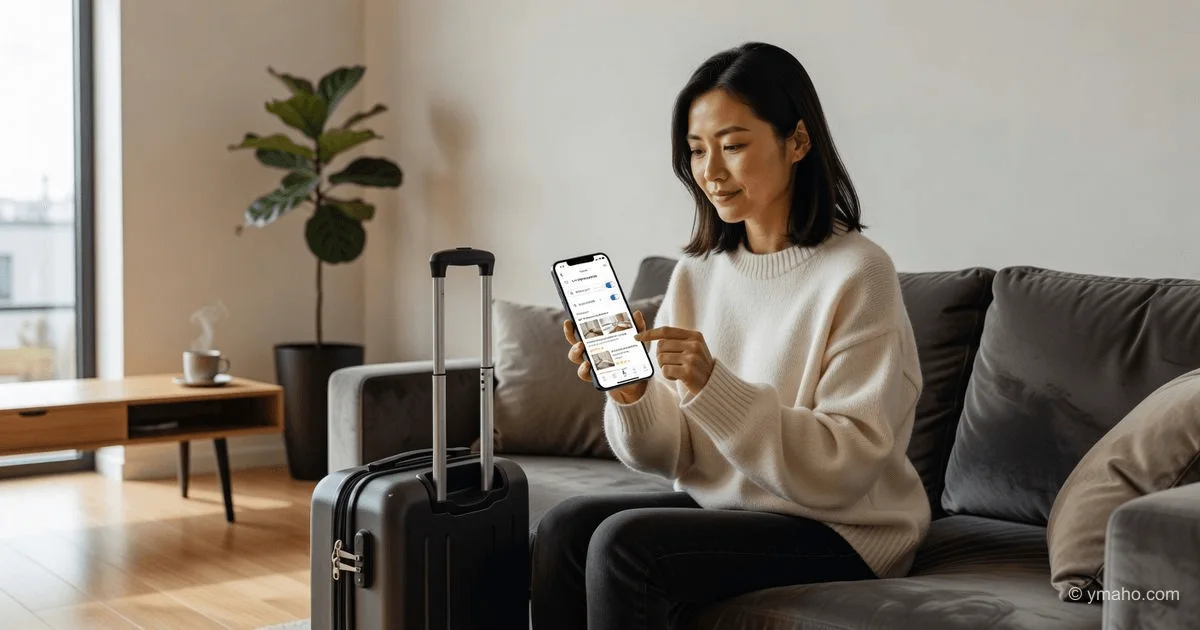
How to Book a Hotel Without Prepayment Online
Niche: Travel & Tourism Content Type: Problem Solving + Topic Explanation Why It Matters: People don’t trust prepayment or want flexibility — this article about search filters, hotel policies, and trusted platforms provides a practical algorithm.
The Gist: What You Need to Know First
Booking a hotel without prepayment online in 2026 is not magic — it’s a standard option offered by almost all major services. You don’t have to pay now, and sometimes you don’t even need to enter your card details.
The key is understanding the main difference. Real “no prepayment booking” comes in two types:
- No charge, but card guarantee (most common). You enter your card details, the hotel “freezes” a small deposit or just verifies the card. The money doesn’t leave your account; you can still spend it. It’s simply a “promise” to the hotel that you’ll show up.
- Completely without a card. A rare option, but possible, especially in Russia on services like Hotellook when you enable a special filter.
The most reliable way to save nerves and budget is to always choose a “free cancellation” rate. Even if you’re ready to pay now, a no-penalty rate gives you the freedom to change plans without losing money. Experts agree: first filter hotels with free cancellation, then look at the price.
Step-by-Step Solution: How to Book a Hotel Without Prepayment
This universal guide works for 90% of websites and apps.
Step 1. Choose the Right Service and Apply Filters
Start your search on any popular service. In 2026, the functionality is nearly identical — you just need to know where to click.
- Agoda (international): On the search page, check the box “Pay at property.” The service will immediately show only hotels where you don’t need to pay now.
- Airbnb (apartment rentals): Look for listings marked “Book now, pay later.” This option is available for properties with flexible or moderate cancellation policies.
- Ostrovok and OneTwoTrip (Russian services): Look for rates labeled “Pay on site” or “No prepayment” directly in the room card.
- Booking.com: Use the “Free cancellation” filter and check the specific rate conditions.
Hidden life hack: Services like Klarna implement “buy now, pay later” (BNPL) technology. You book the hotel, and the money is deducted in three equal interest-free installments. Effectively, you get a payment deferral of 1-2 months without extra charges. Look for the Klarna logo or “Pay in 3 installments” on hotel websites.
Step 2. Check the Fine Print in the Room Card
Before clicking “Book,” read the Cancellation Policy section. Pay attention to dates. Typical conditions:
- “Free cancellation until [date]. After that, a penalty of one night’s stay.”
- “Free cancellation 5 days before check-in.”
- “Non-refundable rate” — this is where the price is lower, but you pay 100% immediately and cannot get your money back under any circumstances.
Airbnb calculates deadlines differently: if you book with the “pay later” option, the money is automatically charged closer to the check-in date, not immediately. If you change your mind, simply cancel the booking before that date.
Step 3. Enter Your Card Details (Almost Always)
Even when choosing a “no prepayment” rate, the system will almost always ask for your bank card details. This is normal. The card serves as a guarantee for the hotel: if you don’t show up and don’t cancel on time, the hotel can charge a penalty.
The money will not be deducted or blocked (the bank may show a temporary hold of 1 ruble for verification, but it will disappear). You pay for your stay at the front desk using any convenient method: cash, another card, or even foreign currency if agreed.
Russian realities: International systems like Booking and Agoda no longer work with hotels in Russia. For trips within the Russian Federation, use Russian services: Ostrovok, OneTwoTrip, Yandex Travel, or Sutochka.ru.
Step 4. Save the Confirmation and Set a Reminder
After filling in your details, you’ll receive an email with a voucher (confirmation) . Save it on your phone, print it, or take a screenshot. This is your main document in case of check-in issues.
Right after booking, set a reminder in your phone calendar 2-3 days before the free cancellation deadline. This will save you from penalties if plans change.
Practical Tips and Important Nuances
- Season matters. In low season (fall, winter except holidays), there are many hotels with pay-on-site options — they compete for guests. In high season (New Year, May holidays, summer), hotels require prepayment or full payment in advance. Luxury hotels and villas often require a 50% deposit upfront.
- Discounted deals are almost always non-refundable. See a 30% discount? 99% chance it’s a non-refundable rate. Ask yourself: are you willing to lose that amount if your flight is canceled or you get sick? If yes, take it. If not, pay a bit more for flexibility.
- Direct contact with the hotel works. Found the perfect option on Booking but the price is high or conditions strict? Find the hotel’s official website or contact them via social media (WhatsApp, Telegram). Hotels prefer direct bookings (no aggregator commission of 15-20%). They often offer a discount or agree to pay on site.
- The “Pay Later” feature is changing the market. According to Airbnb, after introducing this option, 70% of all eligible bookings are made with it. It benefits everyone: you don’t freeze your budget, and the hotel gets a guaranteed occupancy.
- What is “No-show”? If you don’t cancel and don’t arrive (no-show), the hotel has the right to charge your guarantee card for the first night or the entire booking. Even if you’re 10 hours late, always call the hotel and let them know — it could save your money.
Common Mistakes and How to Avoid Them
Mistake 1. Confusing “No prepayment” with “Free cancellation.”
These are different. “No prepayment” means you don’t pay now, but canceling a day before may cost you. “Free cancellation” means you can cancel within a certain period for free, but you may be asked to pay now.
Solution: Always check both parameters. Ideally, look for “No prepayment + Free cancellation.”
Mistake 2. Not checking when money is charged for “pay later.”
Services like Airbnb don’t charge on the booking day but on a specific date. If your card doesn’t have enough funds by that date, the booking is canceled.
Solution: Check the rate conditions for “Payment due date” and ensure you’ll have the money by then.
Mistake 3. Trying to pay for a foreign hotel with a Russian card through a Russian service.
Sanctions work both ways. Even if Ostrovok or OneTwoTrip show prices in rubles, the final charge may go through a foreign bank.
Solution: For foreign trips, carry cash in euros or dollars (for on-site payment) or a foreign bank card / yuan card. Have a reserve of 30-50% of the hotel cost for emergencies.
Mistake 4. Thinking “free cancellation” works on the check-in day.
No. If free cancellation is available “until 11:59 PM 3 days before check-in,” and you cancel 2 days before, the hotel will charge a penalty.
Solution: Look not just at the label but at the specific date and time (usually in the hotel’s local time).
Summary: Quick Conclusion and Next Step
Booking a hotel without prepayment in 2026 is simple:
- Go to any service (Agoda, Ostrovok, OneTwoTrip, Airbnb).
- Enable filters “Pay at property” and “Free cancellation.”
- Choose a room, enter your card details (money won’t be charged).
- Set a cancellation reminder 3-5 days before your trip.
Your next step right now:
Don’t put it off. Open the Ostrovok or OneTwoTrip app (for Russia) or Agoda/Airbnb (for abroad). Spend 10 minutes searching for a hotel in your desired city with the “Pay at property” filter enabled. See how prices and conditions change. Once you find a free cancellation option, book it without hesitation. You can always cancel later if you find something better.
— Editorial Team